
AI Sales Automation Software for Small Teams: A Founder's Shortlist
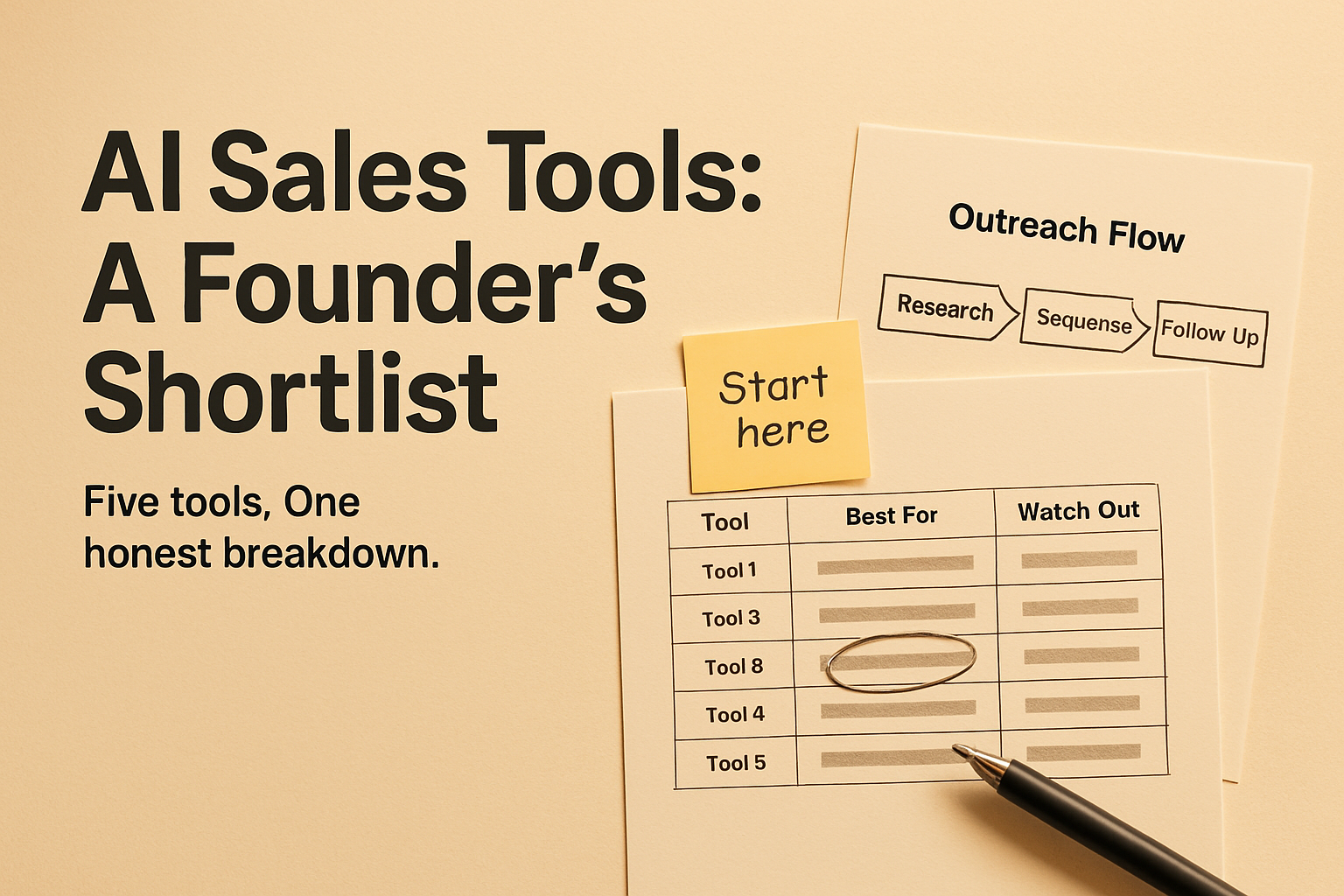
Five AI sales automation tools worth considering for small teams. Honest breakdown of what each one does well, where it falls short, and how to choose in an afternoon.
Most small teams do not have a sales problem. They have a time problem.
Prospecting, research, follow-up, CRM updates — each one is manageable on its own. Together, they eat the week before any actual selling happens.
AI sales automation software is supposed to fix that. Some of it does.
A lot of it automates one step and leaves you to stitch together the rest. This shortlist is for founders who want to know which tools are worth evaluating and which are worth skipping for their stage.
What to Check Before You Buy Anything
Five questions that will save you from a three-month sunk cost. Can you get a useful workflow running in days, not weeks? Does the tool automate the full process or just generate text you still have to send manually?
Are the contact records accurate enough to actually use? Can you stay in the loop on what gets sent and to whom? And does the pricing stay rational as your contact list and outreach volume grow?
AI should cut administrative work, not remove your judgment from the sales process. You should still control targeting, positioning, and what your customers read.
The Shortlist
Gumloop — Best for Custom AI Workflows
Gumloop is the right choice if you want to assemble your own automation rather than adopt someone else’s rigid sales process. It handles prospect research, enrichment, CRM data, and AI agents in a visual workflow builder. You design the logic; it executes it.
The tradeoff is that flexibility creates configuration work. A nontechnical founder may find it more platform than they need. If you have unusual prospecting requirements or want to combine multiple data sources, it earns its place.
Lemlist — Best for Focused Outbound Campaigns
Lemlist is built for outbound. Campaign sequencing, personalized follow-up, email-led outreach at scale. If you already know your target market and email is your primary acquisition channel, this is the most direct path from zero to running campaigns.
It cannot fix weak targeting, and deliverability still requires active management on your end. Review AI-generated personalization before anything goes out. Automation that sends the wrong message faster is not an improvement.
Salesloft — Best for a More Established Sales Process
Salesloft is not the right fit for a company still figuring out its sales motion. It is designed for teams with repeatable processes that need more structured execution: pipeline visibility, standardized outreach, conversation workflows across multiple reps.
If you are past founder-only selling and moving toward a small team, it makes sense to evaluate. If you are still in early discovery mode, the setup overhead will outweigh the benefit.
HubSpot — Best for CRM-Centered Automation
HubSpot’s AI capabilities now cover lead qualification, meeting booking, CRM updates, and multichannel conversations. For a small team that wants marketing, sales, and customer data in one environment, that integration is genuinely useful rather than just a feature list talking point.
The costs climb as you add advanced features and contacts. If cold outbound is your only need, the platform is broader than necessary. CRM discipline still applies — automation does not clean up poor data hygiene, it amplifies it.
Lindy — Best for Configurable AI Assistants
Lindy sits in a different category than a sales-engagement platform. It handles defined administrative and sales tasks: research, follow-up, scheduling, connecting tools, triggering actions. Think of it as configurable task automation rather than a structured outreach system.
It needs clear instructions and guardrails before you let it do anything customer-facing. Test thoroughly.
Monitor for errors and duplicate actions. The category is moving fast, and the tools that execute multistep work reliably are earning their place in small-team stacks.
Which Bottleneck Maps to Which Tool
The shortlist above is easier to use if you match it to the specific failure point in your current sales process rather than shopping by feature count.
If your bottleneck is prospect research — hours spent finding companies that fit your target profile and pulling contact details — Gumloop’s agent-based workflow is the most direct fix. It can pull data from multiple sources, enrich records, and feed a list that is ready to work rather than ready to clean.
If your bottleneck is follow-up consistency — deals going cold because no one sent the third email — Lemlist solves that problem specifically. It sequences follow-ups automatically, and the personalization features mean replies do not read like they came from a mail merge.
If your bottleneck is visibility — you are not sure which deals are active, who last touched them, or what the pipeline actually looks like — HubSpot’s CRM-centered approach addresses that directly. Automation built on top of clean CRM records produces useful output; automation built on scattered notes and spreadsheets produces noise.
If the bottleneck is repeatable execution across more than one seller, Salesloft is worth the configuration cost. If you want recurring tasks handled without building a full sales-engagement system, Lindy is a faster path to that outcome.
How to Choose Without Overthinking It
Start by naming the actual bottleneck. Not sales is slow — the specific step that consumes the most time or breaks down most often. Prospect research, inconsistent follow-up, fragmented records, unqualified leads getting into the pipeline.
Map the steps from target-account selection to booked meeting. Choose the tool that covers the largest number of those steps with the fewest handoffs. Then run a small pilot with real accounts, keep human approval on, and measure qualified conversations and meetings booked — not messages sent.
Calculate the full cost before committing: seats, contact credits, enrichment, email infrastructure, implementation time, and the cost of fixing mistakes the AI makes. The sticker price is rarely the real number.
A Starter Stack That Actually Works
For most small teams, the right move is not to automate everything at once. Use a CRM as your source of truth. Add one prospecting or enrichment workflow.
Add a controlled email sequence for follow-up. Keep human approval for new messaging and high-value accounts. Review performance weekly and cut anything that does not move qualified pipeline.
AI sales software accelerates what is already working. It cannot replace a clear ideal-customer profile, a credible offer, or proof that you deliver. A small workflow that reliably creates qualified conversations is more valuable than a large platform generating more activity with no additional pipeline to show for it.
Quick Comparison
| Tool | Best For | Main Strength | Watch-Out |
|---|---|---|---|
| Gumloop | Custom AI workflows | Flexible agent and research automation | Requires workflow design work |
| Lemlist | Outbound campaigns | Personalized sequencing and follow-up | Deliverability needs active management |
| Salesloft | Growing sales teams | Structured sales engagement | Too complex for very early-stage teams |
| HubSpot | CRM-centered operations | CRM, automation, and AI agents in one system | Costs rise with scale and features |
| Lindy | AI task assistants | Configurable multi-step task automation | Needs testing before customer-facing use |
Keep reading: AI Sales Automation vs. Hiring a Sales Rep: What It Really Costs · Best AI Sales Automation Software for Small Teams: What to Buy
Frequently Asked Questions
What does AI sales automation software actually do?
It handles the repetitive work between target-account selection and a booked meeting: finding prospects, researching accounts, writing and sending follow-ups, updating CRM records, and qualifying leads. The better platforms do this across the full workflow rather than at one single step.
Is AI sales automation worth it for a team of one or two people?
Yes, if the bottleneck is time on administrative tasks rather than lack of a sales strategy. A one-person team gets the most leverage from automating prospecting research and follow-up sequences, freeing time for actual conversations.
How do I avoid sending bad AI-generated outreach to prospects?
Keep human approval enabled when you first run any new workflow. Review AI-generated personalization before it goes out. Run a small pilot on a defined set of accounts before scaling. The goal is controlled automation, not hands-off automation.
What is the difference between an AI sales tool and an AI Worker?
A tool automates one or several steps and still requires a human to manage, configure, and connect the outputs. An AI Worker owns a complete business function end-to-end, including the judgment calls within that function, without requiring ongoing human orchestration at each step.
How much should a small team expect to spend on AI sales automation?
The sticker price rarely captures the full cost. Factor in seats, contact or data credits, email infrastructure, enrichment tools, implementation time, and the cost of correcting errors. Compare that total against the cost of the bottleneck it is solving.
How 1TeamLabs Can Solve It
1TeamLabs rents an AI Sales Worker that owns the outbound function end-to-end: prospecting, outreach, follow-up, and booked meetings. It is not a tool that generates drafts you still have to send. It runs the workflow and delivers pipeline.
See What an AI Sales Worker Handles for Your Team
If you want to move past evaluating tools and actually remove the bottleneck, 1TeamLabs rents AI Workers that own the sales function rather than assist with parts of it. Talk to the team about what that looks like for your pipeline.
See What an AI Sales Worker Handles for Your Team
About the Author
Written by the 1TeamLabs team, builders of AI Workers that own entire business functions for solopreneurs and small teams.
Frequently Asked Questions
How do I pick the right AI sales automation software when every option looks similar?
Start by naming the exact step that breaks down: prospect research, follow-up consistency, pipeline visibility, or repeatable execution across more than one seller. Then map the steps from target-account selection to booked meeting and choose the option that covers the most steps with the fewest handoffs. Shopping by feature count leads to sunk cost; shopping by bottleneck does not.
What should I measure during a pilot before I commit?
Measure qualified conversations and meetings booked, not messages sent. Run the pilot on a small set of real accounts with human approval left on, and review performance weekly. Cut anything that does not move qualified pipeline, no matter how much activity it produces.
Can I combine several of these options into one stack?
You can, but most small teams should not automate everything at once. Use a CRM as your source of truth, add one prospecting or enrichment workflow, then add a controlled email sequence for follow-up. Keep human approval for new messaging and high-value accounts, and only add more once the first piece reliably creates qualified conversations.
When does it make sense to hire an AI Worker instead of buying software?
When you are tired of stitching steps together and would rather approve work than configure and connect it. Software automates parts of the process and leaves the orchestration to you. 1TeamLabs rents a Sales AI Worker that owns the outbound function end-to-end: prospecting, outreach, follow-up, and meetings booked on your calendar.
AI Sales Automation vs. Hiring a Sales Rep: What It Really Costs
AI sales automation software or a sales rep? See the real monthly and yearly costs, ramp time, hidden fees, and which one fits a solo operator or small team.
Best AI Sales Automation Software for Small Teams: What to Buy
Picking AI sales automation software for a team of one to five? Here is what the pricing pages hide, what to skip, and what to demand before you pay.
How AI Sales Automation Actually Works
AI sales automation finds prospects, drafts outreach, qualifies leads, and updates your CRM — so you handle the conversations that actually close deals.
Stop Reading. Start Shipping.
You didn't start a business to run a team. Hire your first AI Worker instead.